
Document automation
Models that extract the data from each document, validate it and put it where it belongs: your accounts, your ERP or your accountant. Without keying in a single number by hand.
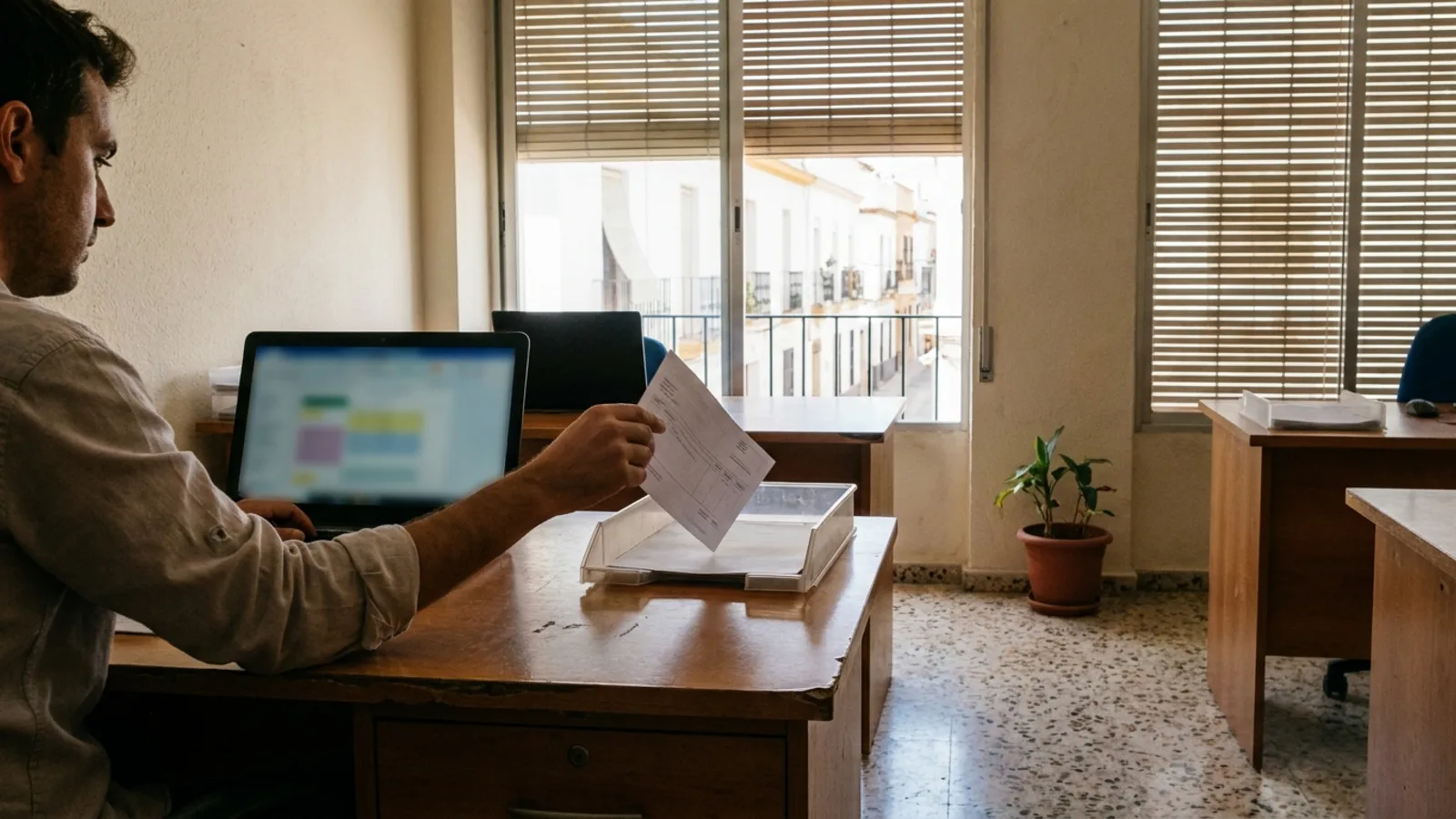
Someone at your company opens a PDF, finds the number, types it into the accounting program and moves on to the next one. It isn't hard: it's work that doesn't forgive a lapse and has to get done even on the day everything is running late. This service takes it off their hands. A model reads the document, extracts the data, checks it against what you already have and puts it where it goes. Anything with tax consequences is still signed off by a person.
The work that goes on typing from a PDF into a program
The invoice arrives by email, by WhatsApp or on paper in the back of the van. Someone downloads it, opens the program and copies the usual: supplier, tax ID, date, number, net amount, VAT and withholding if there is any. Then they file the PDF in a folder whose logic only they understand. The cost isn't the time one invoice takes. It's that it has to be done every day, that it's done in a rush at the end of the day, and that a mistyped digit gives no warning: it turns up at the quarter's end. And if that person is off for a week, the work doesn't disappear, it piles up.
What a model does well: reading invoices that look nothing alike
Every supplier puts the data wherever they like. The total bottom right on one and at the top on another. The tax ID next to the logo, in the footer or nowhere visible. The description in a neat table or in a loose paragraph. Traditional readers handled this with one template per supplier: fine with the known ones, broken by the first new one. A current model needs no template, because it understands what a net amount is even if it has never seen it in that corner. That's where AI genuinely adds something. And the same applies to a delivery note or a contract: dates, parties, due dates and notice periods.
When the system is unsure, it says so and a person reviews it
A figure on an invoice has tax consequences. If the system misreads an amount, it doesn't end up in an error log: it ends up in a quarterly tax return. So we don't build this for the AI to always get it right, but for it to say so when it's unsure. Every field comes with its confidence level, and there are checks that don't depend on the model: that the VAT matches the net amount, that the number isn't a duplicate, that the amount isn't out of line with what that supplier usually invoices. Whatever passes the checks goes in automatically. Whatever doesn't is set aside in a review queue, with the PDF alongside and the field flagged. Your people stop typing and start reviewing exceptions.
With mandatory e-invoicing, having this in order stops being a convenience
Royal Decree 238/2026 sets out mandatory e-invoicing between businesses and self-employed professionals in Spain. What changes isn't the paperwork. What changes is what an invoice is: it stops being a PDF each supplier sends however they like and becomes a structured document, with its own format and its own route. The timetable is set by the regulation, not by us. When it arrives, whoever today has a drawer full of PDFs and a person typing will have two jobs at once: adapting and carrying on typing. Whoever has already defined where each document comes in, who validates it and where it ends up only changes the front door. We're not telling you this brings you into line with the regulation. We're telling you it leaves you better placed. Sorting out what you receive is one part; the other is what you issue yourself, with its numbering, its sending and tracking who has paid. That lives in the management tool, not here, and we cover it on the CRM and management page.
When it isn't worth it
There are cases where this doesn't pay. If you receive few invoices and always from the same suppliers, a tidy folder will do. If your accountant already collects the documents and enters them, start by talking to your accountant. And if your documents arrive photographed sideways with the stamp over the amount, reading will fail more often than you'd like: a better model doesn't fix that, changing how they come in does. It pays off when the volume is steady, the suppliers are many and varied, and there's someone whose week gets eaten up by this. Tell us about your case and we'll tell you whether we can do it, how we'd approach it and what it would cost. If it isn't for us, we'll tell you that too.
Frequently asked questions
- Does it work with a photo taken on a phone?
- Yes, if the photo is legible: the whole document in frame, in focus and without the stamp covering the amounts. A model reads far better than traditional OCR, but it can't guess what it can't see. That's why we usually fix how documents come in, so they always arrive the same way.
- Does it connect to my accounting software or my accountant?
- It depends on what way in it allows. If your program or your ERP has an API, it writes directly into it. If not, it generates the file in the format it accepts, or the one your accountant asks for, and leaves it where it belongs. We check this before starting, not halfway through the project. That part of the work is systems integration.
- Do I lose control over what goes into my accounts?
- Quite the opposite. Today, control is someone looking at the PDF while they type; if they slip, nobody finds out. With this, there's a record of which document came in, what the system read in each field, what was corrected and who validated it. You can open any entry and see the original alongside. Control doesn't disappear: it becomes something you can look up.
- What about my data? These are customer and supplier invoices.
- It's your company's data and third parties' data, so it's treated as such: where it's stored, who can see it and how long it's kept, in line with the GDPR. Only what's needed to extract and validate is processed, nothing more. If your sector requires it not to leave your infrastructure, it's set up on your infrastructure. That's decided before starting.
How we work
01
Understand
We sit down with you and look at how you really work. We come away knowing what makes sense to build and, above all, what doesn't.
02
Build
We build it on the tools you already use and show it to you working, not in a slide deck.
03
Stay with you
We measure, we adjust and you can always reach us. Software isn't something you install and forget.
Other services
Chatbots and conversational AI
Assistants that talk to your customers on WhatsApp and actually sort things out.
See detailsWeb development
Custom websites and platforms, with AI built in from day one.
See detailsCustom applications
Software that doesn't exist on the market because your process is yours.
See details