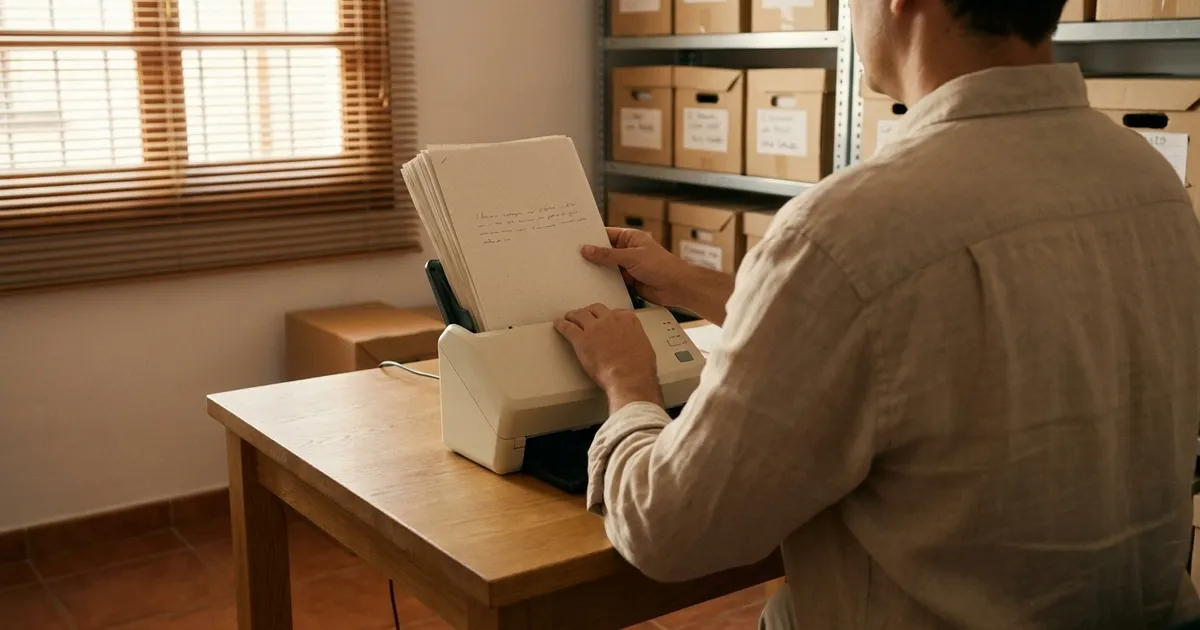
When an SME thinks about AI, it often imagines it first has to build something big: a data warehouse, a technical team, months of preparation. It does not. AI works with what you already have. Spreadsheets, the management software, emails, PDFs, scanned delivery notes and even WhatsApp messages are raw material.
What you do need is to know where everything is and what state it is in. This guide explains how to do it in a month, without stopping the business.
Why does data decide whether an AI project goes well?
Because AI does not guess. If the same customer appears three times under three different names, an AI agent will see three customers. If dates are written four different ways, an automatic report will add up wrongly. If nobody knows which spreadsheet is the right one, the system will read the wrong one.
The problem is not only technical. According to Eurostat, in 2025, 48.83% of EU companies that considered using AI and did not, gave concern about data protection and privacy as a reason. The most cited reason was lack of knowledge (70.89%). Both are partly solved the same way: by knowing what data you have and how you handle it.
And adoption is moving forward. Spain's National Statistics Institute (INE) reports that 21.1% of Spanish companies with 10 or more employees used AI in the first quarter of 2025, 8.7 points more than a year earlier. Among those with fewer than 10 employees and an Internet connection, the figure was 13.4%. Those that start with their data in order move faster.
What data does your company already have?
More than you think. Almost all SMEs work with these sources:
- Spreadsheets. Customer lists, prices, stock, shift rotas.
- Management software or ERP. Invoices, orders, delivery notes, customer and supplier records.
- Email. Orders, complaints, quotes sent and accepted.
- PDFs. Supplier invoices, contracts, technical documentation.
- Paper, scanned or not. Work reports, sign-in sheets, old archives.
- WhatsApp. Appointments, enquiries and confirmations that never make it into another system.
Each source has its value. Email and WhatsApp hold what the customer really asks for. The management software holds what was invoiced. Cross-checking the two is exactly where AI starts to be useful.
How do I make an inventory of data sources?
With a table. You do not need any special tool: a shared spreadsheet is enough. One row per source and these columns:
| Source | What it contains | Format | Who maintains it | Quality (1-3) |
|---|---|---|---|---|
| Management software | Customers, invoices, orders | Software database | Administration | 3 |
| "Customers 2024" sheet | Contacts and special terms | Excel | Sales | 2 |
| Orders mailbox | Orders from regular customers | Reception | 2 | |
| Delivery notes folder | Signed delivery notes | Paper | Warehouse | 1 |
| Company WhatsApp | Appointments and enquiries | Messages | The whole team | 1 |
The quality column is a quick score: 3 if you trust the data, 2 if it has known errors, 1 if nobody checks it. Do not aim for precision. Aim for an honest picture.
Two extra questions worth answering for each row: can it be exported? and does it contain personal data? You will need both later.
If you want a broader view of your company before you start, the AI self-assessment helps you place data alongside processes and team.
What are the most common quality problems?
Almost always the same four. Look at the process you want to automate and check for these:
| Problem | Example | How to fix it |
|---|---|---|
| Duplicates | "Talleres López" and "Talleres Lopez S.L." as two customers | Search by tax ID (CIF) or phone and merge the records |
| Empty fields | Customers with no email or no tax ID | Decide which fields are mandatory and fill them in |
| Different formats | Dates as 03/09/26, 3-sep and 2026-09-03; amounts with a full stop and with a comma | Set a single format and convert the rest |
| Inconsistent names | "Aceite 5W30", "aceite 5w-30" and "ACEITE 5W/30" for the same product | Create a closed list of names and always use it |
Do not clean everything. Clean what the process you are going to improve first uses. If you are going to automate the entry of supplier invoices, import the supplier records, not the customer history from ten years ago.
How do I digitise paper?
In two steps: scan and apply optical character recognition (OCR). Scanning turns the paper into an image. OCR turns the image into text that a program can read and search.
Some practical tips:
- Scan to PDF with text, not just as an image. Many scanners and phone apps already do this.
- Name files with a fixed pattern. For example, type, date and number:
albaran_2026-09-03_1452.pdf. - Start with what is used. The documents from the last year of the chosen process, not the whole archive.
- Check a sample. OCR fails with handwriting, stamps or poor photocopies. Check a few before trusting it.
For invoices and delivery notes there is a more direct route: systems that read the document and pass the data to the management software without typing. We explain it in invoice automation.
What is a source of truth, and why do you need one per piece of data?
It is the only place where a piece of data is considered correct. The other copies are fed from there or disappear.
The typical case: a customer's phone number is in the management software, in a salesperson's spreadsheet and in the manager's phone contacts. They change number and it is only updated in one. From then on nobody knows which is the right one.
The rule is simple. For each type of data, decide where it lives:
- Customers and contacts: the CRM or the management software.
- Invoices and payments: the invoicing software.
- Stock: the warehouse software, not the manager's sheet.
- Appointments: a single shared calendar.
If your customers are spread across several places, a custom CRM is usually the first step towards having a single source.
Who should be able to see and touch each piece of data?
Not everybody. Before connecting an AI to your systems, review who has access:
- Personal accounts, not shared ones. If the whole team logs in with the same user, you do not know who changed what.
- Permissions by role. Reception does not need to see payslips. Sales does not need to delete invoices.
- Leavers removed promptly. Anyone who no longer works with you should not keep access.
- AI with the minimum. An agent that books appointments needs to read and write in the calendar. It does not need access to the accounts.
This last point is key. Each AI system must have its own user, with permissions limited to what it does, just like a new employee.
What about personal data?
The GDPR (RGPD) still applies, whether you use AI or not. The Regulation requires data to be "adequate, relevant and limited to what is necessary" (Article 5.1.c): this is the data minimisation principle. The Spanish Data Protection Agency (AEPD) devotes a section to that principle in its guide on processing that incorporates AI.
In practice, for an SME:
- Mark in the inventory which sources hold personal data. Customers, employees, patients, guests.
- Use only what is needed. To classify orders you do not need the customer's national ID number.
- Sign a data processing agreement with each provider that handles that data for you (Article 28 of the GDPR).
- Ask where the data is stored and whether it is used to train models.
We go into more detail in the guide on AI and data protection (GDPR).
How do I get data out of my software: API or export?
There are two routes, and both are valid.
| API | CSV export | |
|---|---|---|
| What it is | Direct connection between programs | File you download from the program |
| Frequency | Immediate, automatic | Whenever someone exports it |
| Initial effort | Higher: the connection has to be programmed | Lower: you just download |
| When it suits | The data changes every day and the AI must act straight away | One-off analyses or programs without an API |
| Risk | Depends on the provider keeping the API going | Out-of-date data if nobody exports |
Ask your software provider two things: whether the program has an API and whether it lets you export to CSV or Excel. If the answer to both is no, note it in the inventory. It is an important limitation.
Connecting programs that do not talk to each other is what we do in integrations.
Why do processes need to be documented?
Because AI automates processes, not departments. If the process only exists in one person's head, it cannot be automated or reviewed.
For each candidate process, write on one page:
- What triggers it (an email arrives, a customer walks in, an invoice is received).
- What steps are followed and who does them.
- What data is consulted and where.
- What data is generated and where it is stored.
- What exceptions there are and who decides.
With that, half the work is done for your first AI project.
What does this look like in Campo de Gibraltar companies?
Four illustrative examples, not real cases, of how the starting point changes by sector:
- Car workshop in Algeciras. Appointments come in by WhatsApp, quotes are made in the management software and each car's history is on paper cards. Source of truth: the number plate as the unique key. First step: move the last year's cards to digital and unify the calendar.
- Accountancy firm in La Línea. Clients send invoices by email, WhatsApp and by hand. Each accountant stores documents in their own way. First step: a common folder structure, fixed file names and OCR for what arrives on paper.
- Freight forwarder at the Port of Algeciras. Lots of PDF documentation from shipping lines, clients and customs, with references written in different ways. First step: a single format for container numbers, tariff items and dates, and a register linking each file to its documents.
- Hotel in Tarifa. Bookings in the booking engine, on external portals and by phone. Guest data in several places. First step: decide which system rules for bookings and review what personal data is kept and for how long.
What 30-day plan can I follow?
One step per week. Without stopping daily operations.
| Week | What you do | Result |
|---|---|---|
| 1 | Pick a process and inventory the sources it uses | Table of sources with quality, format and owner |
| 2 | Clean duplicates, gaps and formats in those sources. Decide the source of truth for each piece of data | Clean data for the process and a single source per piece of data |
| 3 | Review access and permissions. Mark personal data and review contracts with providers | Individual users, permissions by role and contracts up to date |
| 4 | Document the process and check whether your programs have an API or export | One page per process and a map of how to get the data out |
At the end of the month you have what any serious provider is going to ask for before starting. And you save weeks of project time.
Does the Artificial Intelligence Voucher fund it?
The IA360 Plan, presented by the Government on 21 September 2026, foresees a voucher for SMEs to hire AI services. According to the plan, those services must provide added value "through development, integration, sector knowledge, data processing or process redesign". Data processing is expressly mentioned.
Today you still cannot apply: there are no rules and no call. But putting your data in order does not depend on any grant and leaves you ready for when it opens. Everything that is known is in the guide to the Artificial Intelligence Voucher (Bono de inteligencia artificial).
If you want us to go through with you what data you have and where to start, write to us.
Sources

Xora IntelligenceAI consultancy and custom software in Los Barrios (Cádiz). We write about what we build for businesses in the province. If you have a question about your case, write to us.