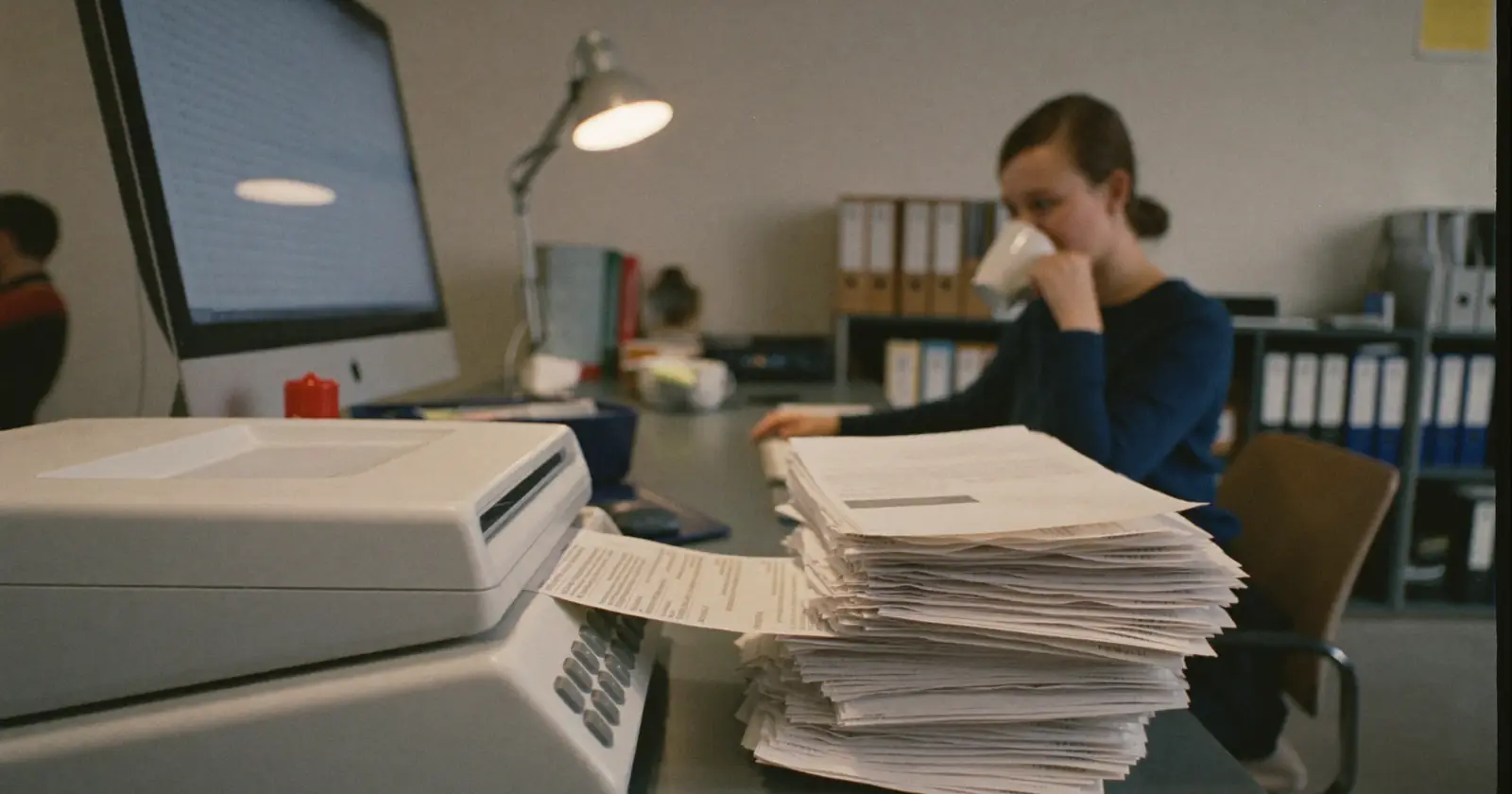
If you run an SME, you know what we're talking about. Every month, someone on your team (or you yourself) spends hours checking invoices, sorting them, keying them by hand into the accounting system and preparing them to send to your accountant. It's repetitive work, prone to errors and it adds no real value to your business. This article is about that specific step: the package of invoices you send your accountant every month. If what you want is how invoice automation with AI works in general, what AI does and doesn't do with your invoices explains it all, e-invoicing included.
And in most Spanish companies that "someone" doesn't exist. According to the INE Central Business Register, on 1 January 2025 there were 3,310,824 active companies in Spain, and 81.6% had two or fewer employees. In other words: in eight out of ten companies in this country, the person who sorts the invoices is the same one who serves customers, sells and pulls down the shutter.
The real problem with preparing invoices for your accountant by hand
The manual invoice handling process has several points of failure that build up over time:
- Invoices received by email, WhatsApp, on paper or through supplier portals, in different formats and in no order
- Manual data entry with a constant risk of typing errors
- Wrong classification between sales and purchases, or by type of expense
- Time lost searching for specific invoices when the accountant needs them
- Delays in the monthly accounting close because of incomplete documentation
How invoices reach your accountant in order
Xora Intelligence's artificial intelligence does the administrative work nobody wants to do: opening the document, pulling out the data and leaving it where it needs to be. The process is simple:
- Reception. Your team sends the invoices to the chatbot (photo, PDF, forwarded email) from any device.
- Intelligent reading. The AI automatically extracts supplier, tax ID, date, amount, VAT, description and invoice number.
- Primary classification. It separates sales invoices from purchase invoices.
- Custom sub-classification. It organises by company, supplier, type of expense or any criterion you need.
- Ready delivery. It produces the ordered, labelled package, ready to send to your accountant in one go.
Is it safe to send invoices to a chatbot?
It's a fair question and the answer is yes. All our solutions comply with the GDPR. Documents are processed encrypted, not shared with third parties and deleted according to the periods agreed with the customer.
What kinds of invoices can the AI process?
A frequent question: does it work with my specific invoices? The answer is almost always yes. The system processes:
- PDF invoices — generated by any invoicing software (Holded, Billin, Sage, Odoo, Factura+)
- Photos of paper invoices — sent on WhatsApp or email from your phone
- Scanned invoices — including crooked or poor-quality ones, although the worse the copy, the more likely it is that the system asks for a review
- Invoices from foreign suppliers — in English, French, German and Portuguese
- Purchase receipts — from petrol stations, hardware shops, supermarkets for businesses
- Delivery notes with invoice value — delivery documents that also serve as accounting support
What the AI extracts from each document: supplier, tax ID (NIF/CIF), issue date, due date, taxable amount, VAT rate, VAT amount, total amount and invoice number. All of that comes off the paper without anybody typing it.
Compatibility with your accountant and accounting software
The question that worries business owners most: will I have to change how I work with my accountant? No. The system exports the data in the formats your accountant already uses:
- Structured Excel with all the accounting columns
- CSV compatible with A3, ContaPlus, Sage Contabilidad
- Organised folders with the original documents attached
- Direct integration with Holded or Odoo if you use them
Your accountant receives exactly what they need, in the format they already know, without having to learn anything new. The change is only for you, and it's for the better.
What it costs you to do it by hand: count it yourself
We are not going to give you a figure. Yours isn't like anyone else's and any number we put here would be decoration. The calculation, on the other hand, you can do this afternoon with your own data:
- How many invoices you handle a month, issued and received together. Your accountant has that number.
- How long each one takes from the moment it comes through the door until it is recorded and filed. Time it for a whole week: it's the part everyone underestimates.
- Who does it. Multiply those hours by what that person's hour costs you. And if that person is you, by what that same hour would have earned you spent selling.
- What breaks when it fails. Errors the accountant sends back, closes that get delayed, invoices that turn up next week.
That result is the real cost of your manual process, and it's the only one worth comparing anything against.
What makes automating it more or less work also depends on your case: how many different formats come in, how many recurring suppliers you have, whether there are several companies involved, and what exact format your accountant requires at the end. We look at that on the call, with your numbers in front of us and not the ones from an article. How we set it up, piece by piece, is in our invoice automation service.
Frequently asked questions about invoice automation with AI
Do I need to buy new accounting software?
No. The system adapts to what you already use. If you invoice with Excel and email the invoices to your accountant, the process doesn't change; you simply add the chatbot step that processes them before you send them.
What happens with invoices the system doesn't recognise correctly?
When the AI isn't sure of what it has read, it doesn't make it up: it flags the document for human review and highlights the doubtful fields. No badly extracted data creeps in silently.
How long does the initial set-up take?
It depends on what you arrive with: how many regular suppliers have to be registered, how many different formats come in and what your accountant has to receive at the end. What we always do is set up the system with your recurring suppliers before starting, so recognition is accurate from the first document. We fix the timescale with you when we see the real volume, not before.
Is it compatible with Verifactu and compulsory e-invoicing?
Yes. The system processes both traditional invoices and electronic invoices in XML format, according to the Spanish rules in force.
And here is a real date, not a forecast: Royal Decree 238/2026 of 25 March, published in the BOE of 31 March 2026, develops the compulsory electronic invoicing system between businesses and professionals. Its actual application is deferred until the ministerial order regulating the public invoicing solution, and from then on the adaptation deadlines differ according to company size: first those with the highest turnover, then all other companies and the self-employed. Verifactu and compulsory e-invoicing are two different requirements that arrive by different routes; it's best not to confuse them and to arrive prepared for both.
Conclusion
Invoice automation with AI isn't a luxury for big companies: it's a tool within reach of any SME that wants to recover time, reduce errors and reach the accountant with everything in order each month.
What you recover isn't a brochure figure: it's the Friday afternoon you now spend putting papers in a folder.

Xora IntelligenceAI consultancy and custom software in Los Barrios (Cádiz). We write about what we build for businesses in the province. If you have a question about your case, write to us.